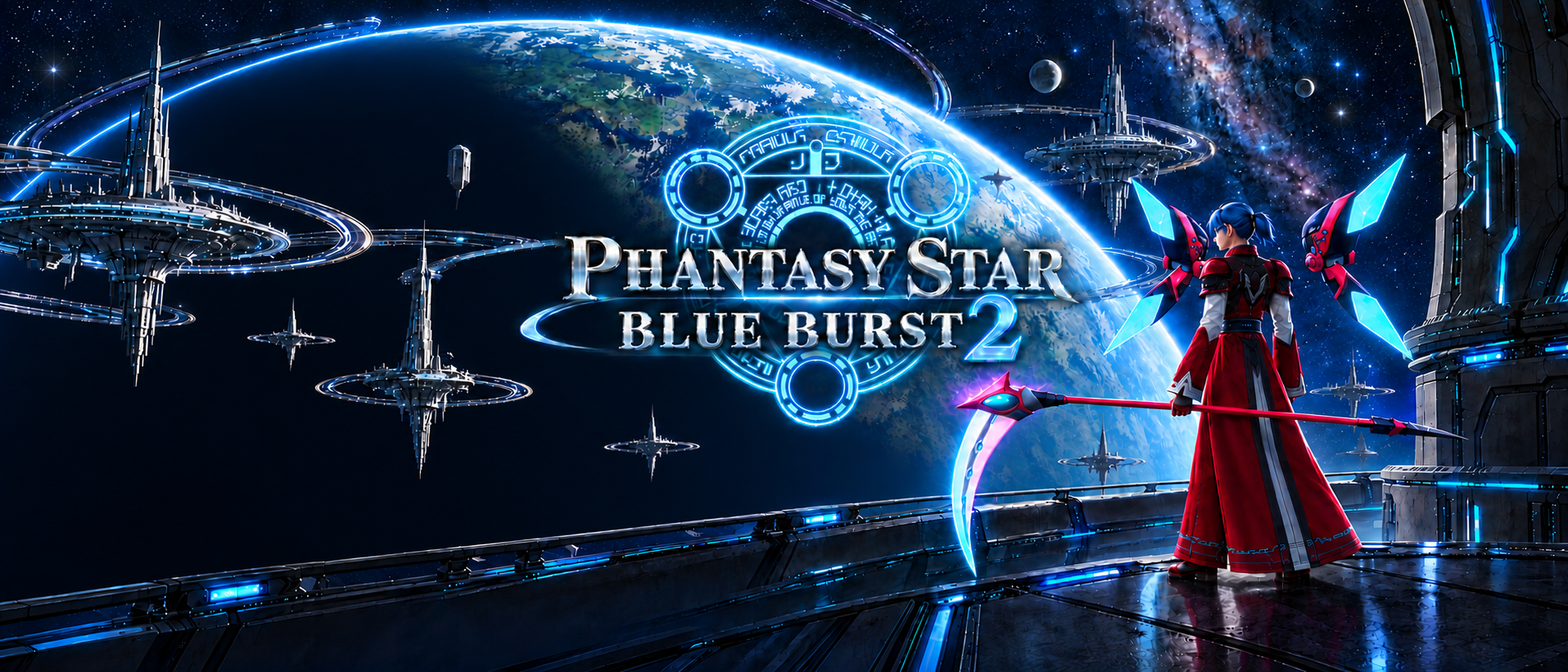
Your next adventure on Ragol.
BLUE BURST 2 · WINDOWS · VERSION 1.1.0
Our community server now runs on its own VPS in Virginia. Keep your existing account, character, items, and controller setup.
Already playing?
Close PSO normally, then run the small update. It finds your existing BB2 install automatically.
Download updateAbout 4.6 MB · No full game redownload
New to BB2?
Install the game and launcher together. Your desktop shortcut handles starting the game, graphics, and volume.
Download game + launcherAbout 544 MB · No separate patch needed
Start playing
- Run the installer. Connect your controller before launching PSO.
- Open PSO Blue Burst 2 from your desktop and choose Play.
- At the title, choose Register ID and enter a unique username and game-only password, each 1–16 characters. Choose Start Game to create your account.
- Existing players: use your current ID and password. Quit normally through the game to save.
Four players per adventure party. New accounts are regular players; only Cyrus has game administrator access.
Controller and sound
A confirms · B backs out · Menu opens the menu · Right stick moves the camera · View/Back recenters. Set game volume in the launcher; the default is 30%. Start graphics at 100% render scale.
These community installers are unsigned, so Windows may show a publisher warning. Verify the SHA-256 checksums before running. If the update finds several installs, choose the one you play. Unusual folder locations may need manual selection.